A storyboard helps you read a sequence. An animatic lets you experience its timing.
A panel can establish where someone stands, what they notice and which way they move. Put those panels on a timeline and a new question appears: how long does the audience need to understand each beat? An animatic is a working edit of the planned shots, often with temporary sound or dialogue, before the final animation is complete.
What a studio actually has to organise
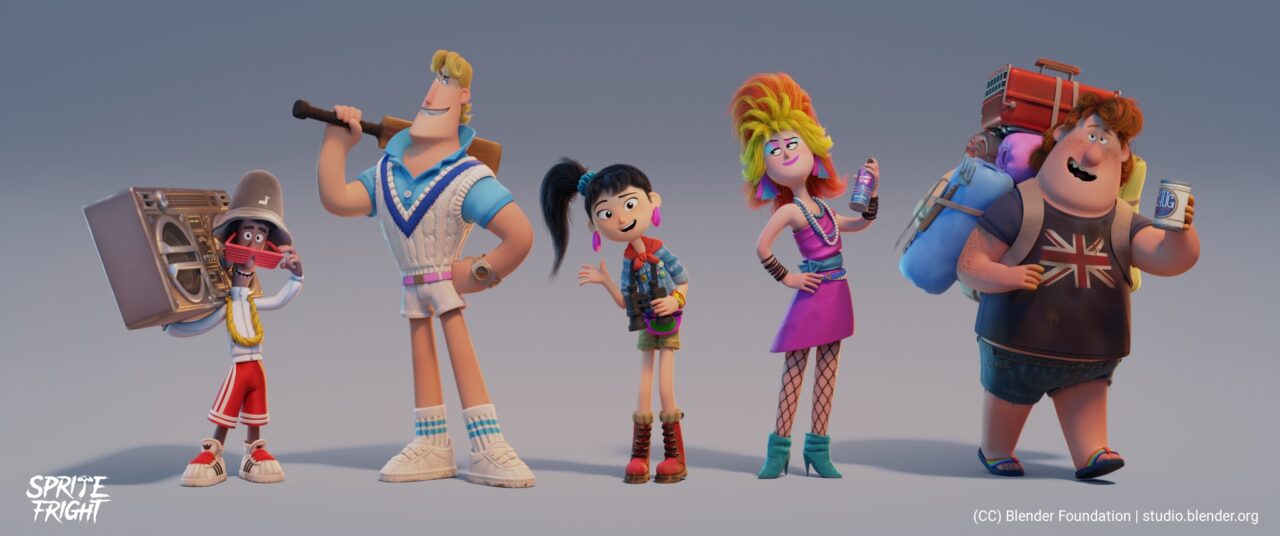
Blender Studio’s published editorial guide gives a practical example from Sprite Fright. It describes keeping temporary voice recordings organised by character and choosing takes before bringing them into the main edit. Later, shot strips are connected to production tracking. The lesson is not simply that an animatic is a slideshow: it becomes a shared map for the work that follows.
The guide also explains that naming scenes and shots does not necessarily mean the edit is completely locked. A project can have enough structure to organise production while still allowing revisions. Explore the studio’s editorial notes ↗
Try a sequence before polishing it
Make six simple drawings of someone discovering an unfamiliar object. Establish the room, introduce the person, show what catches their attention, move closer, show their reaction and end on the consequence. Keep the framing clear enough that someone else can follow the action without your explanation.
Then time the panels in an editor. Compare a quick reaction with a long pause. A pause can suggest hesitation; a fast cut can create surprise. Those are our suggested experiments, not universal timing rules. The useful result is a sequence you can discuss and revise before spending hours on finished rendering.
Keep the deliverables distinct
A storyboard page is convenient for comparing composition and shot order. An animatic is convenient for evaluating rhythm and duration. Keep both available when you can: a timeline does not replace a readable drawing, and a beautiful drawing cannot tell you everything about a cut.
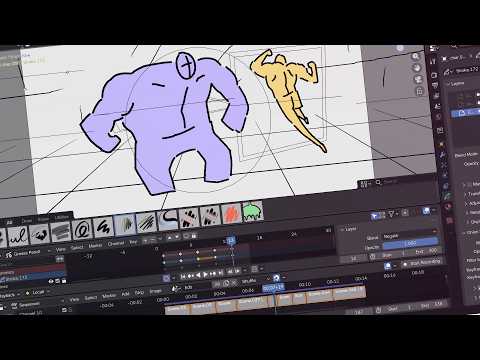
Watch the official storyboarding demonstration ↗