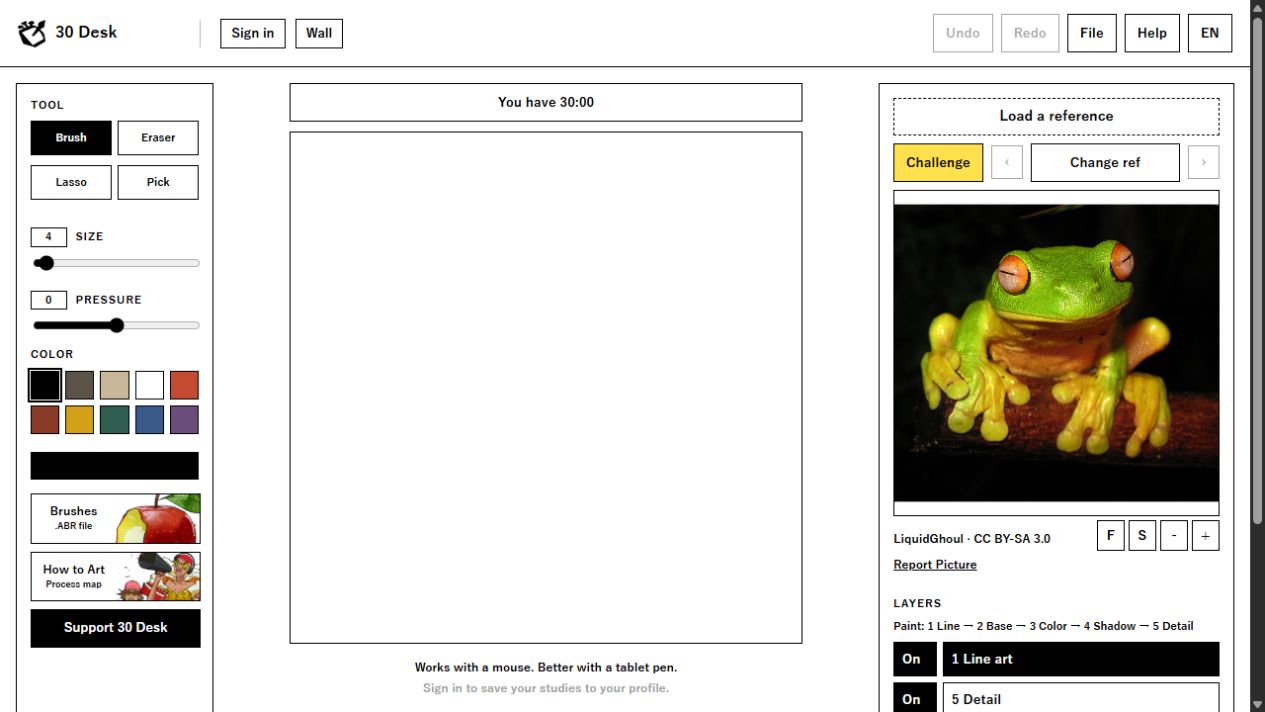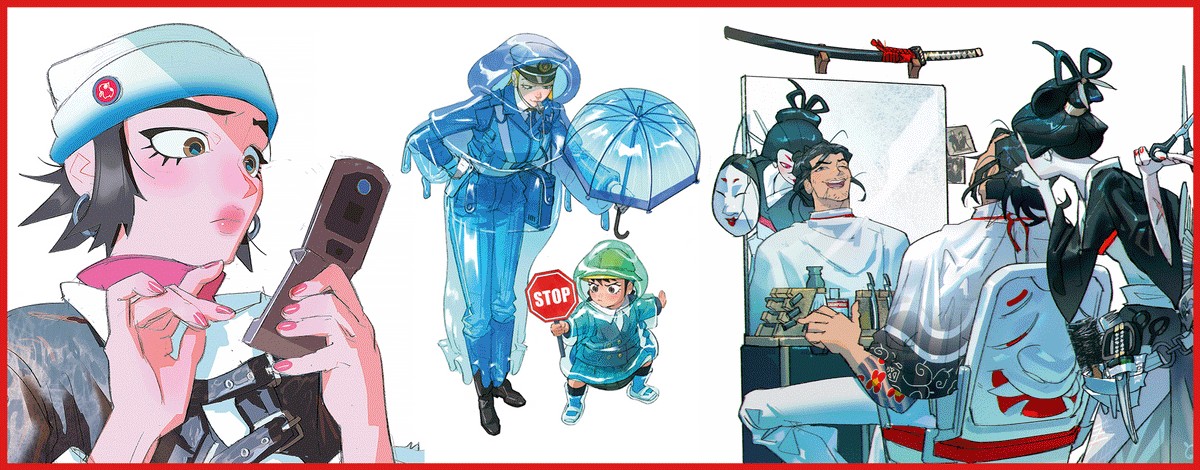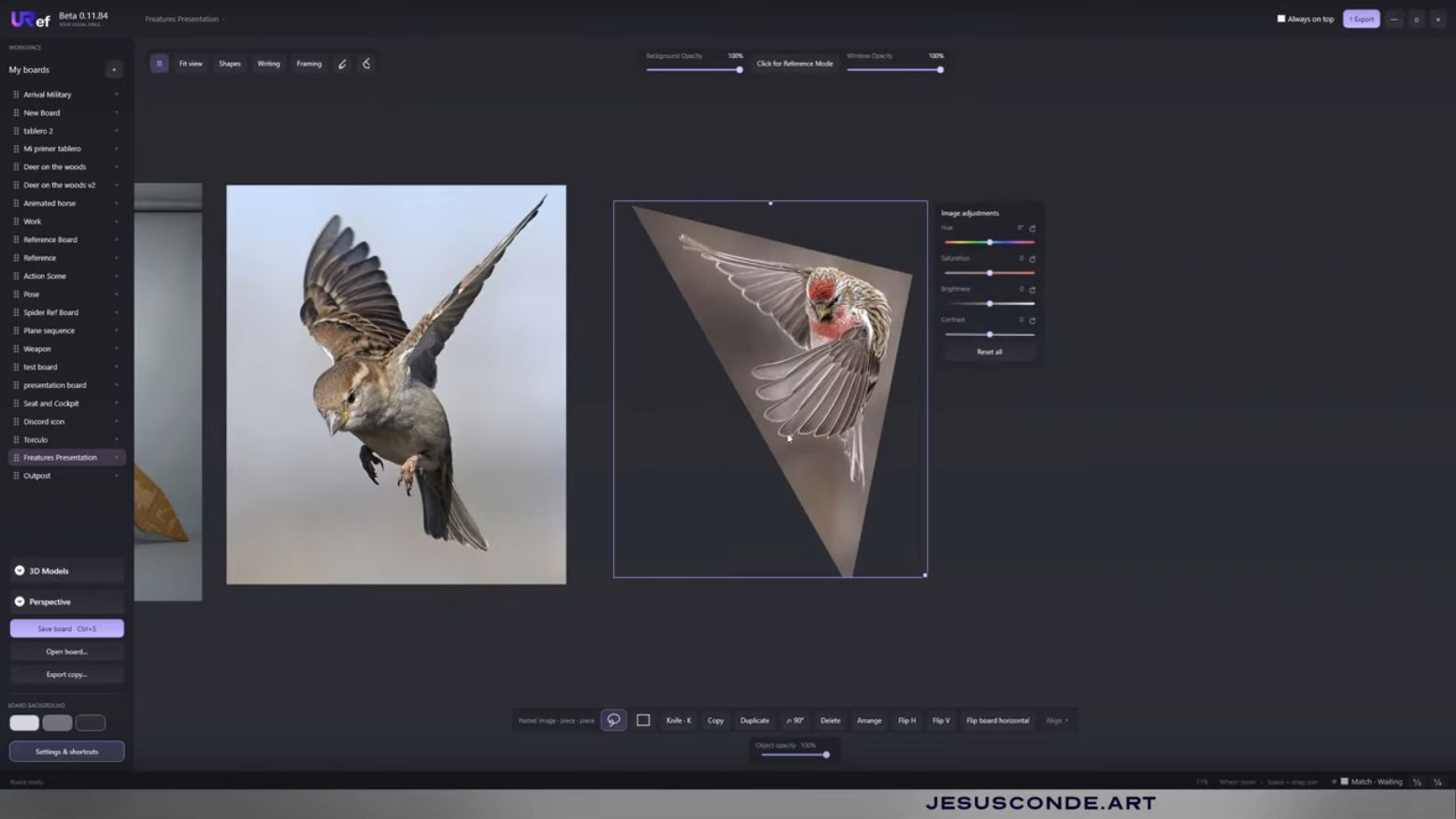
A reference folder can become a dead end surprisingly quickly. You save a convincing image, return to study the drawing, and discover that the project says almost nothing about how it was made. ArtStation’s latest announcement matters because it addresses part of that problem. It does not remove the need to look beyond the thumbnail.
Three controls, different jobs
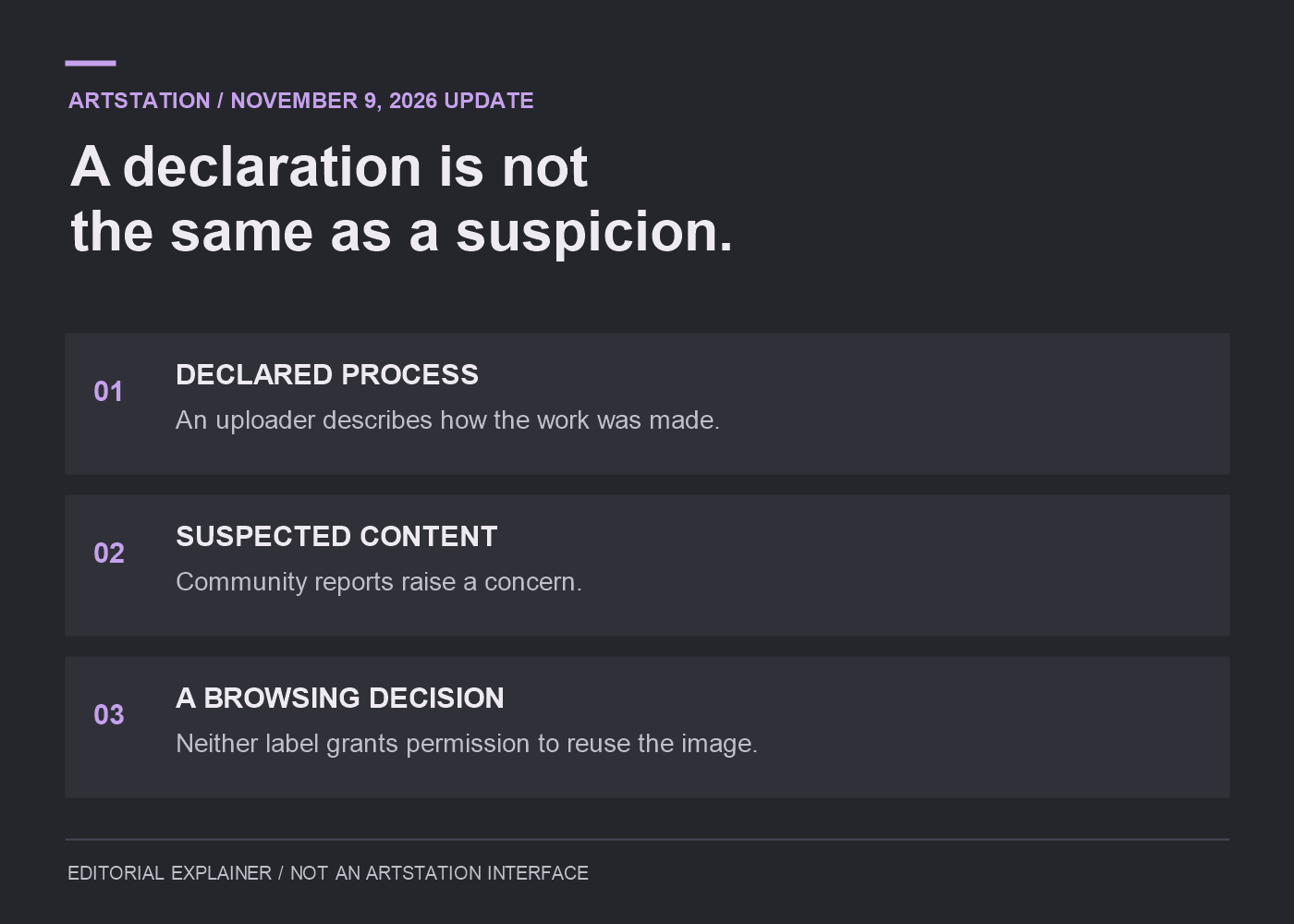
ArtStation’s November 9 announcement adds publishing declarations: “Primarily generative AI,” “Mixed generative AI and non-generative methods,” or “100% non-generative.” Browsers can hide declared AI, allow mixed work and tune suspected-AI filtering. The announced default hides declared AI, CreatedwithAI-tagged work and projects tagged with generative tools, with suspected content on Strict. A dedicated reporting option covers suspected, unlabelled AI.
These are announced changes, not a walkthrough tested across every account. More importantly, a declaration and a report answer different questions. One is information supplied by the uploader. The other raises a concern. Neither should be casually turned into a claim that a particular artist has lied. A filtered result is a browsing outcome, not an explanation of every decision behind an image.
Start with the kind of reference you need
Suppose you are studying how an illustrator simplifies a face. You need more than an attractive face: you need to understand which marks were chosen and which were removed. A sequence of roughs, a close detail and an explanation of the changes can make that project useful. A polished final with no process may still be enjoyable, but it answers a different question.
For an environment study, the missing information might be scale. A dramatic room can look plausible in a thumbnail while leaving the relationship between doors, furniture and people unclear. Opening the project and examining additional views is part of evaluating the reference. Filtering can narrow the search; it cannot do that visual reading for you.
When you save an image, keep its original project link beside it. Add the artist’s name and a short note about what you wanted to study: edge control, costume construction, colour grouping. That note makes the folder useful later, and the link gives you somewhere to check context instead of relying on a detached file circulating through several websites.
Choose the filter for the job
For example, a student looking for hand-painted material studies could start with the most restrictive browsing preference. The question is how someone painted wood grain or separated rough metal from polished metal. A disclosed mixed project might offer little help if its description never identifies which surfaces were painted. Excluding it from that particular study is a research choice, not a verdict on its quality.
Now imagine an art director investigating a disclosed mixed pipeline. They might deliberately include work the student excluded, then look for a breakdown separating generated material, modelling and paint corrections. The final image alone would be insufficient. What they need is a legible account of the handoffs: which assets remained editable, who changed them and where the production team had to intervene.
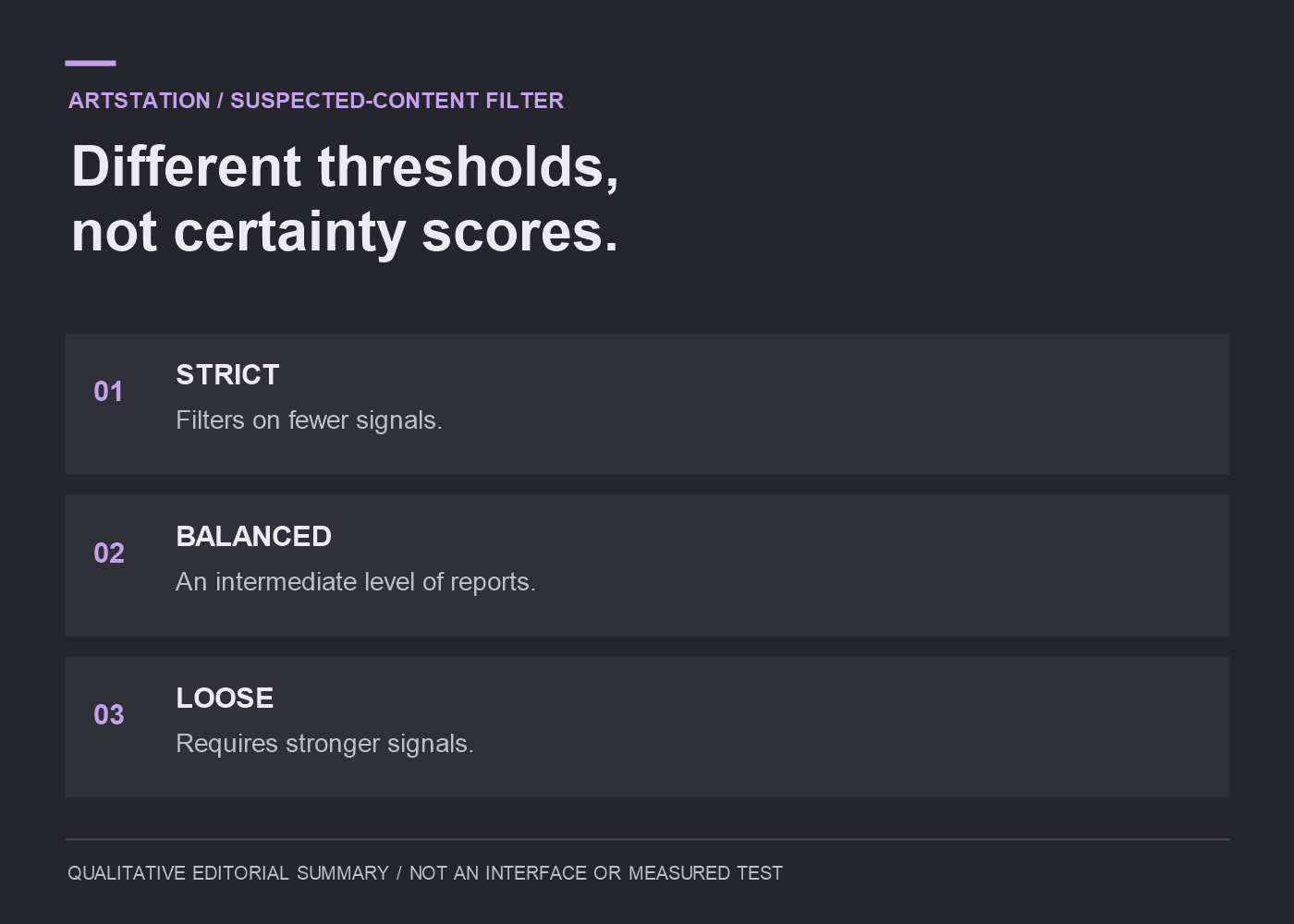
The suspected-content setting involves another decision: how much uncertainty you are willing to tolerate in your results. For a focused painting study, I would begin with Strict. If I were investigating how projects are labelled, I might compare Balanced and Loose instead. That is a research choice, not a guarantee about any image the filter retains.
NoAI is a separate question
In its September 2 announcement, ArtStation described default NoAI tagging for new and existing work, alongside Cloudflare measures against known AI crawlers and automated scraping. It also acknowledged that public work cannot be made impossible to scrape. That earlier update concerns training protections; the November announcement concerns declarations and discovery.
Keeping those subjects separate avoids a common mistake. A statement about training permission does not tell you how an image was produced. Likewise, discovering a work through a filter does not grant permission to reproduce it in a tutorial, advertisement or client deliverable. Check the relevant licence or ask the rights holder when you need to reuse an image.
Make your own process easy to read
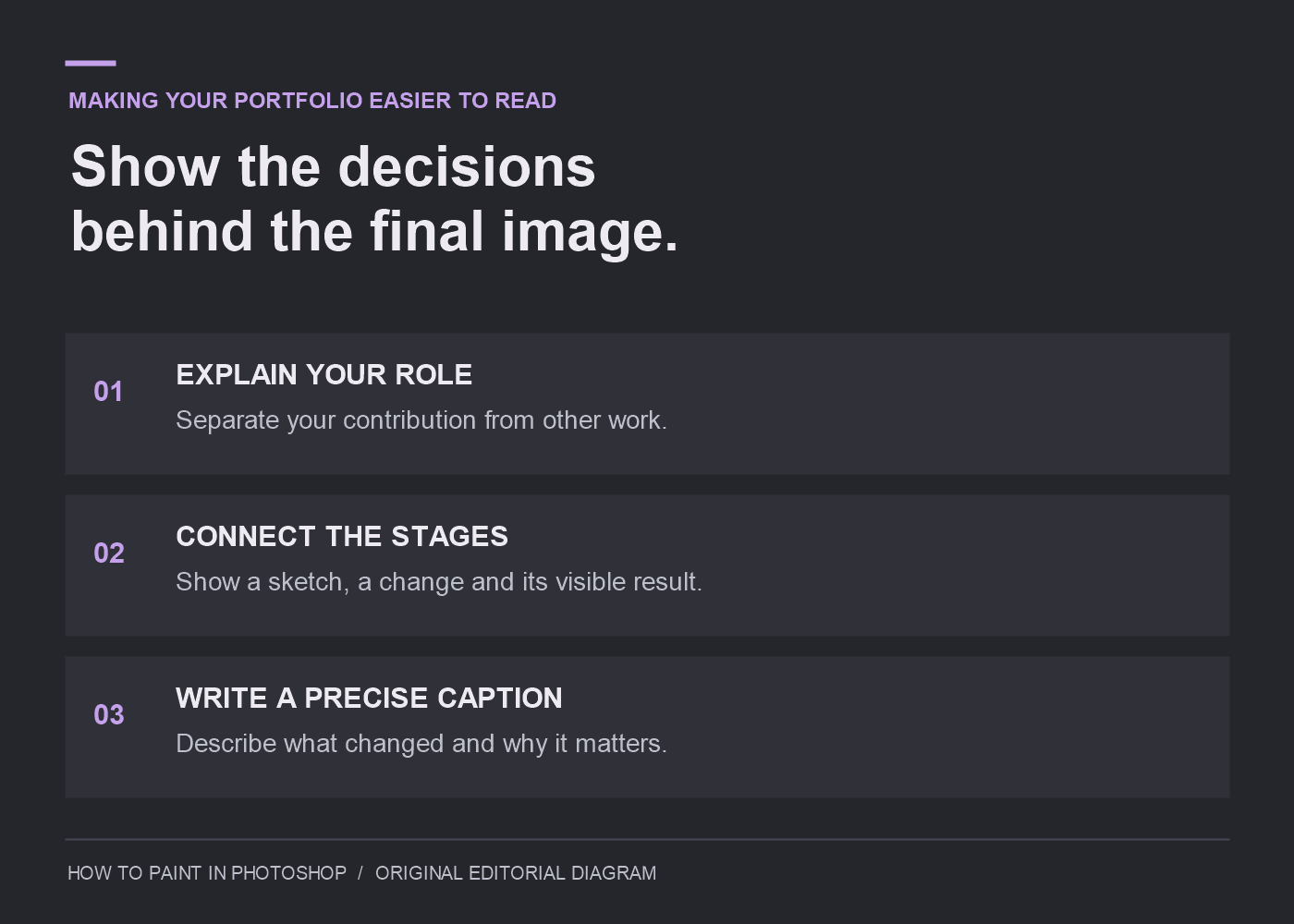
When you publish, give viewers the information you would want from a reference. On a character page, credit a borrowed base model separately from your costume design. Pair an early silhouette with the revision that made it readable. Explain the change in ordinary language. A process sequence is not proof of everything, but it lets a reviewer follow specific decisions.
A useful caption can be modest: this version changed the collar so the head read against the shoulder. It identifies a visible decision. You do not need a grand theory attached to every drawing.
The same standard helps your own portfolio. Make it possible for a stranger to understand what you made, what changed and why the finished image looks the way it does. Better filters may help someone reach the page. The page still has to give them a reason to stay.