A character painting can be beautiful at full size and surprisingly hard to recognise on a crowded map. The face shrinks, the weapon slips outside the circle, and the carefully painted background becomes noise. Making a useful token starts with deciding which part of the illustration has to survive that reduction.
D&D Beyond announced custom token art and stickers on October 15. Its October 23 changelog raised the upload limit to 2048 × 2048 pixels. That gives artists room to prepare cleaner files; the small image people actually play with still needs a clear visual hierarchy.
Choose the identity before choosing the crop
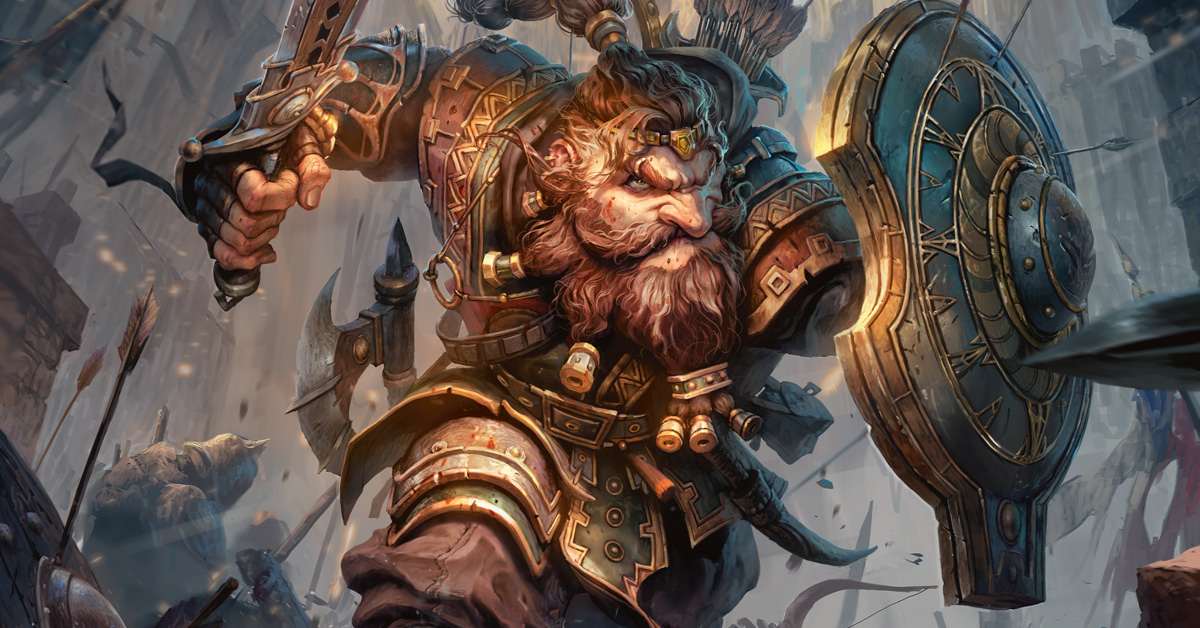
Look at Néstor Ossandón Leal’s dwarf Fighter above. The beard, face and round shield compete for space, but their larger shapes remain distinct. A portrait crop might keep the beard and expression; a wider crop might need the shield. Trying to preserve every arrow and armour engraving would give each identifying shape less room.
For your own character, pick two or three landmarks before opening the crop tool: a face framed by hair, an unusual helmet, a strong collar. Then make a temporary circular mask and see which landmarks remain together. The useful crop follows the character’s identity, rather than automatically centring the entire canvas.
Give the face enough separation
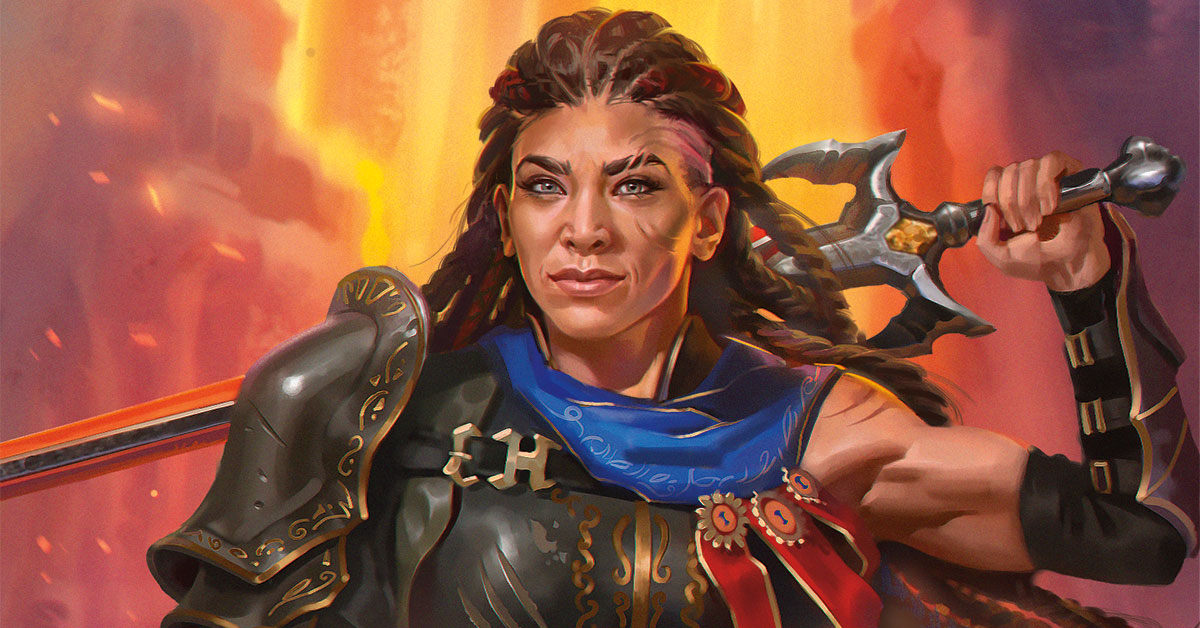
Katerina Ladon’s Champion is a good example of a face supported by larger colour groups. The dark hair frames the skin, while the blue cloth separates the figure from the warm setting. The sword stretches beyond the head, so a tight circular crop would need a choice about how much of that gesture to retain.
Make small previews beside your working file. Sizes such as 64 and 96 pixels are useful editorial checks, not platform requirements. If a character disappears at that scale, try moving the crop or simplifying the immediate background before increasing contrast everywhere. A brighter button or buckle can easily steal the attention intended for the face.
When preparing a party, compare portraits at similar head sizes. Otherwise the close-cropped character can seem more prominent simply because their face fills more of the circle. Leave the full illustration nearby while adjusting the token: it helps you notice when an efficient crop has removed the feature that made the character distinctive.
A dramatic effect can become the background
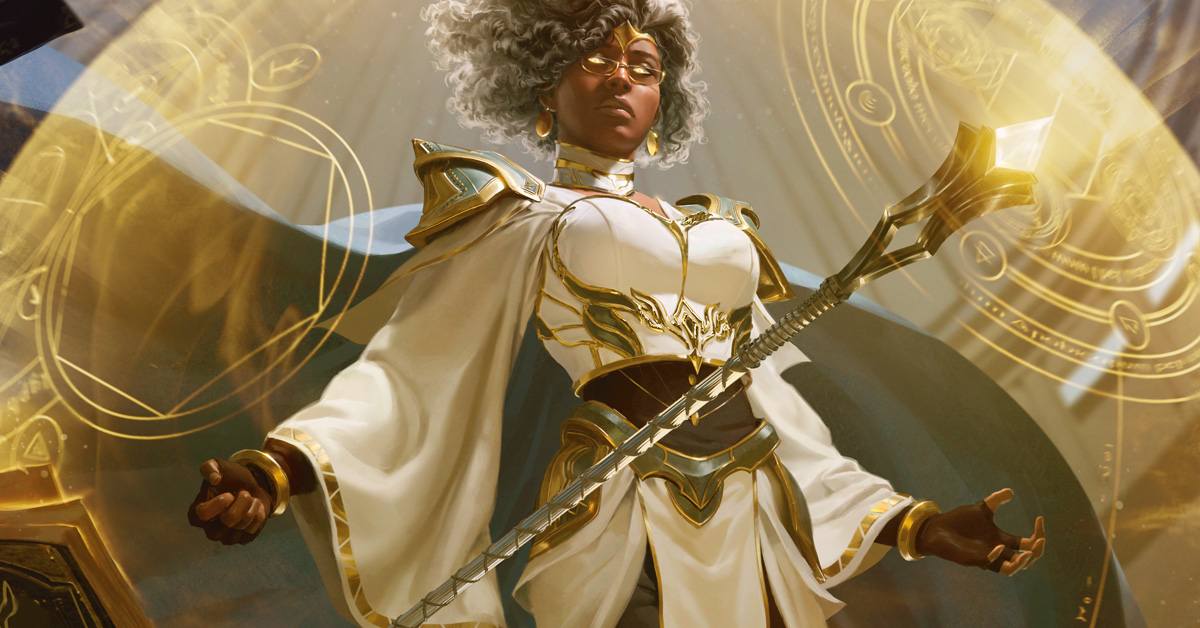
Billy Christian’s Wizard is surrounded by gold circles and pale fabric. At illustration size, those shapes explain a magical event. Inside a small token, they could occupy more space than the head. The white hair, glasses and dark face provide a different set of landmarks that a closer crop could favour.
This is a good place to separate the portrait from decorative effects in your own file. Keep the illustration master intact, then prepare a token version with the background and glow on their own layers. That makes it easier to adjust the portrait for a dark dungeon map and a pale outdoor map without repainting the character.
Check the silhouette against more than one surface
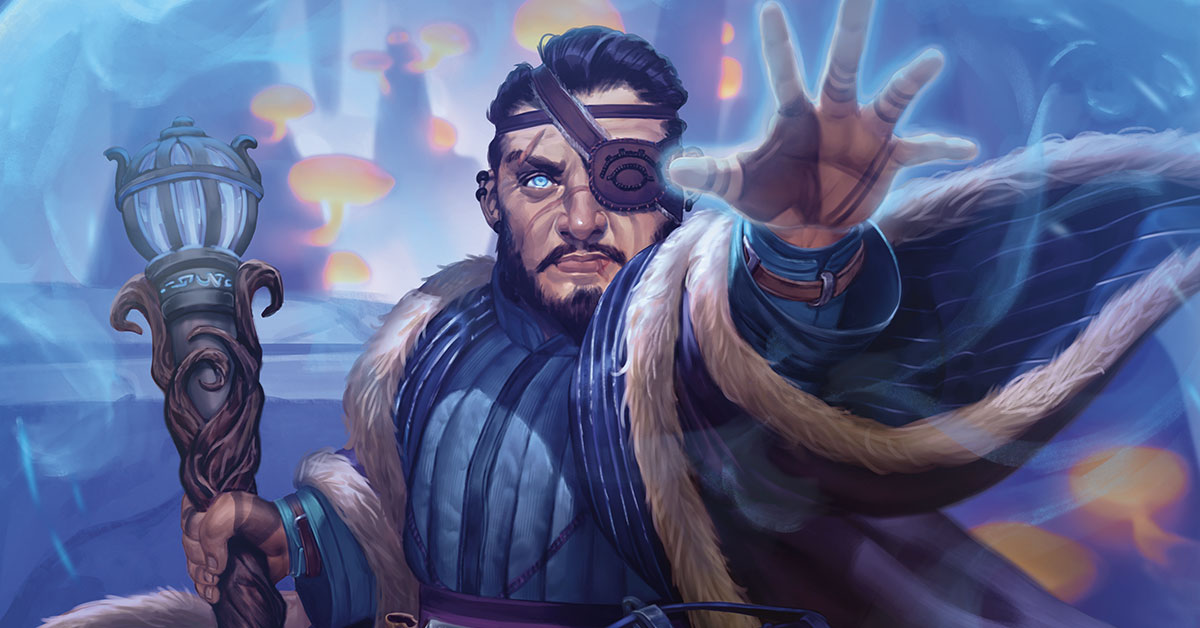
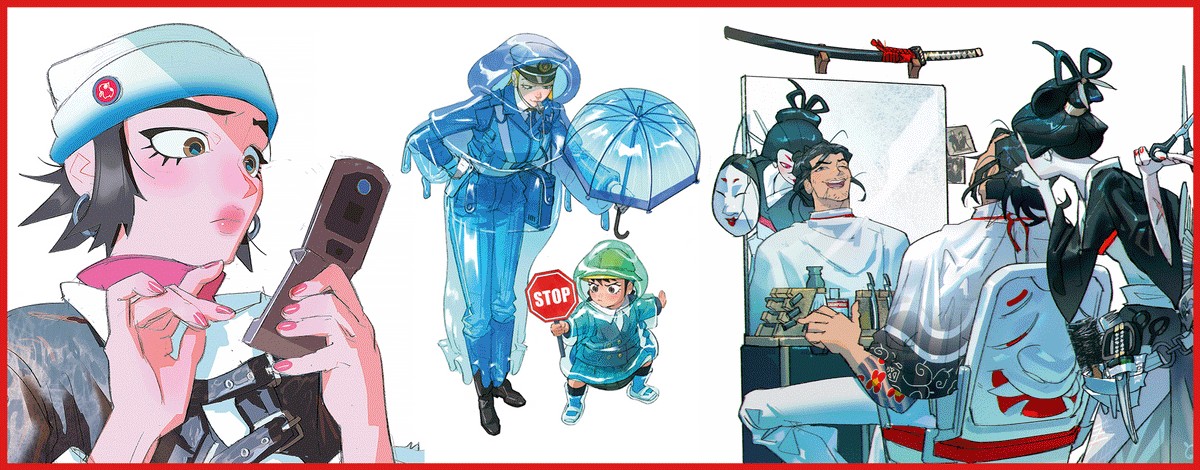
Caroline Gariba’s Abjurer has immediately recognisable landmarks: the eyepatch, swept hair and raised hand. The hand also spreads the composition sideways. A token showing the whole gesture would present the face at a smaller scale than a portrait focused on the head and shoulders. Neither choice is automatic; it depends on what players need to recognise.
For a transparent version of your own art, inspect the outer edge on both light and dark backgrounds. Pale fringes, stray pixels and tiny disconnected shapes become noticeable when the map changes. Keep a little breathing room around important features so the token border does not cut through a horn, an ear or the top of the hair.
Review the edge after resizing, too. A clean outline on the large canvas may produce a muddy cluster when reduced. If a narrow strap or strand matters to the design, give it space to read. If it does not, keeping it out of the crop can make the portrait calmer without changing the character’s defining features.
Prepare the file, then check it where it will be used
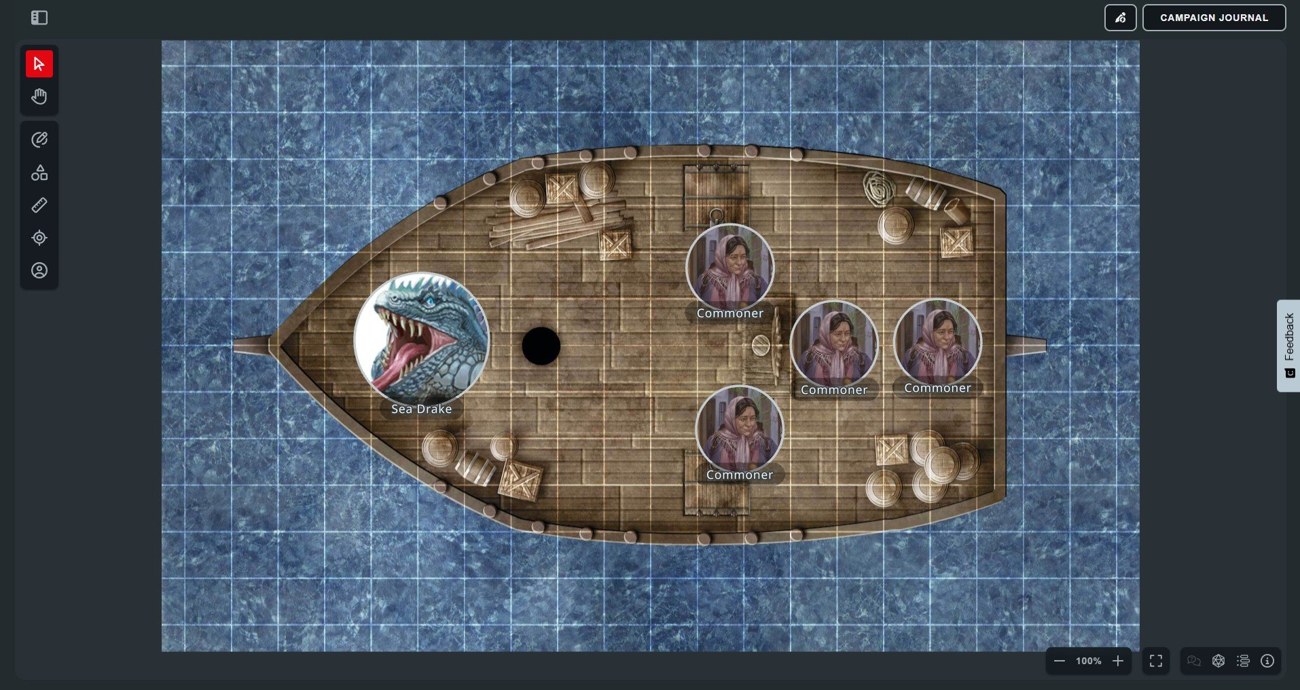
The official announcement supports JPG, PNG and WEBP and describes dropping an image onto a token. PNG is a straightforward choice when you need transparency. Keep the export within the documented pixel limit and retain the layered master separately. The announcement introduced the feature for Master Tier users; players manage their own token while DMs control permissions and can block uploads.
Name exported files so you can tell the character, crop and background version apart. Keep the upload copy in a separate folder from the painting master. When the artwork changes later, you can replace the token deliberately instead of wondering which small PNG came from which revision of the illustration.
Once uploaded, judge the token at the zoom level used during play, next to other characters. Our crop and value suggestions are editorial guidance, illustrated with credited D&D paintings; these examples are not a token download pack. For a campaign upload, use your own illustration or artwork licensed for that purpose, and keep the larger portrait available for moments when the character deserves a closer look.